
Kling AIvideo generator.
Turn words and images into moving pictures. Direct your next shot with Kling 4.0.
What do you want to make?
Plan your idea for free. Rendering requires credits; the cost is shown before you generate.
To plan without rendering, ask the Studio assistant for a shot list and say “do not generate yet”. New accounts get three free planning messages. Plan in Studio
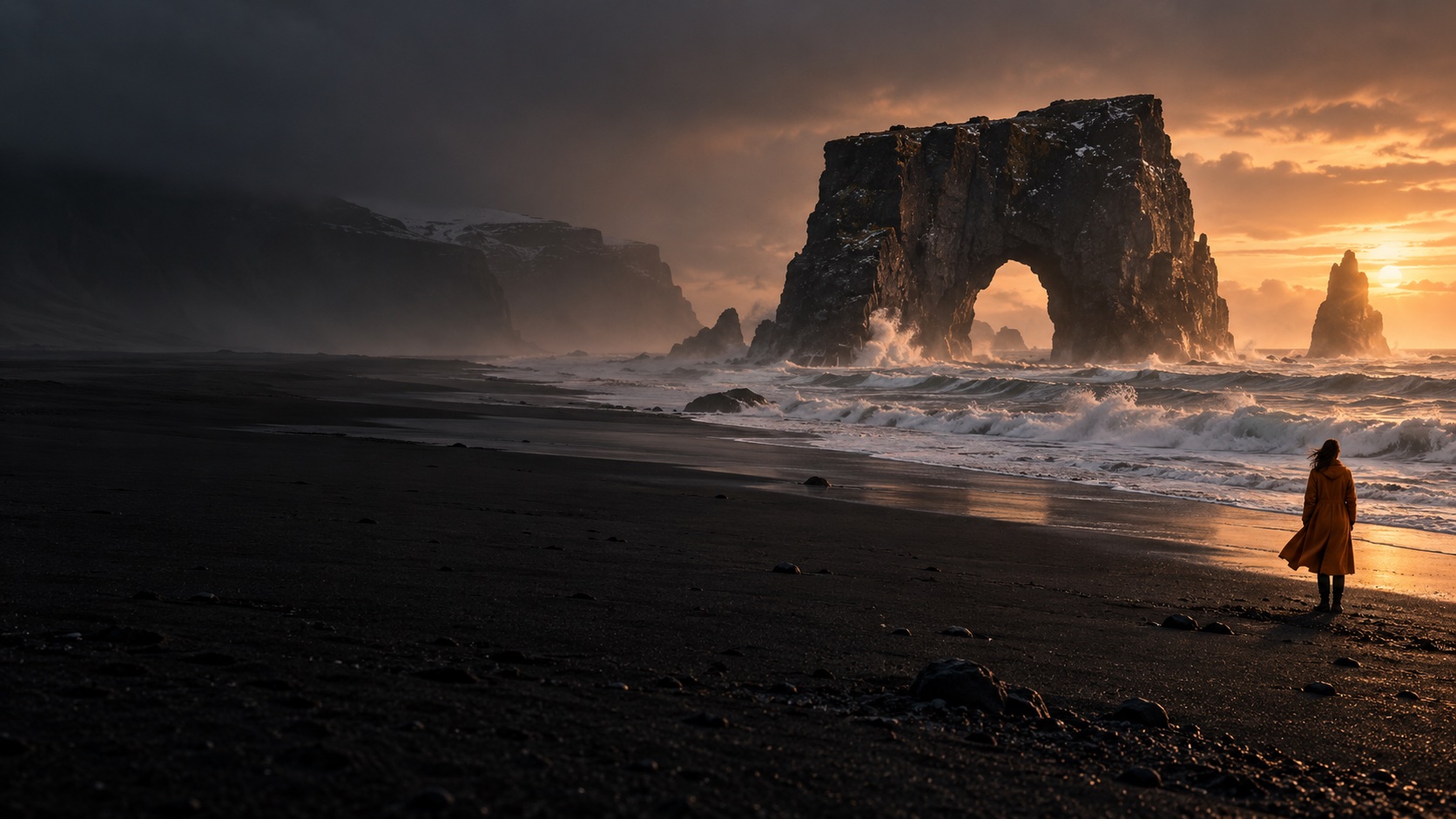
Three takes. Made with Kling 4.0.
Watch real text-to-video and image-to-video results, with their original sound. Open a clip to see its prompt and download the MP4.
Actual Kling 4.0 outputs from our integration checks on October 23, 2026. Original clips, not competitor footage. Each request produces a different result.
Your first frame can be a sentence. Or a photograph.
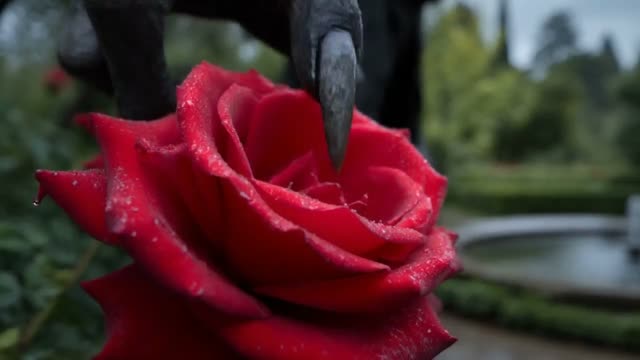
Give a still image its next moment.
Start with your own photo. Describe what moves, choose the camera direction, and let the opening frame become a scene.
Explore the workflow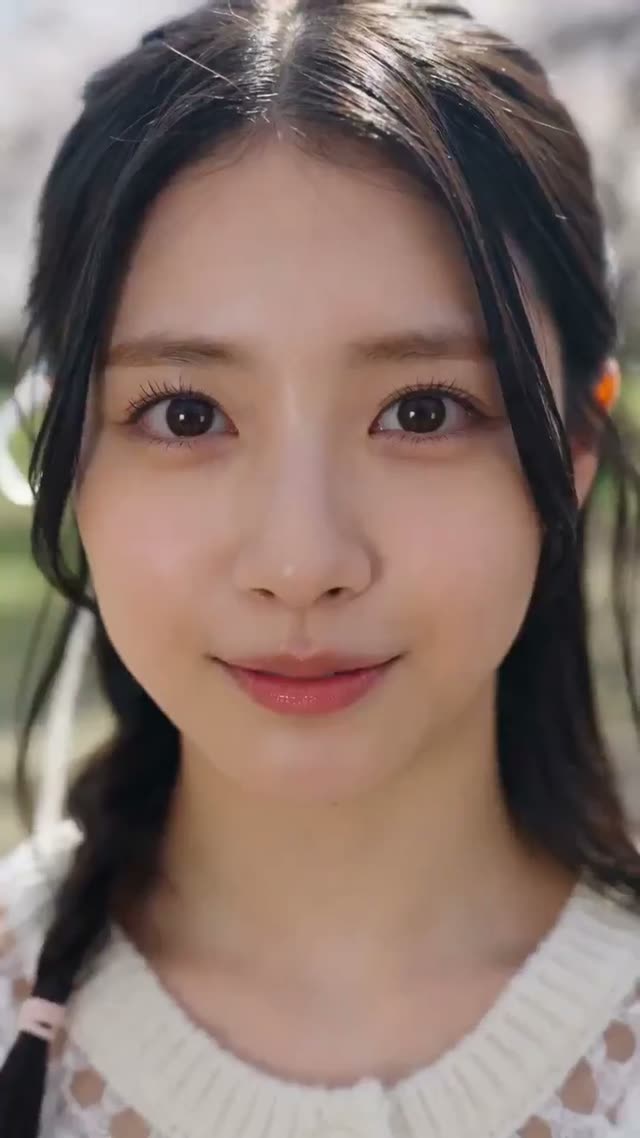
Write the scene you wish existed.
A subject, a place, a movement. Add a camera direction and turn one clear idea into a short film.
Explore the workflowDifferent models. One creative workspace.
Kling is the starting point. Compare the available models and choose the settings that fit your next shot.


From an idea to a downloadable take.
Set the scene
Write your direction or add a reference image. Keep the first take focused on one action.
Shape the shot
Pick the model, duration, resolution and format. Check the credit quote before submitting.
Keep the take
Find the completed clip in your conversation, preview it, and download the MP4.
Credits for your next take.
One-time credit packs. No subscription. Your quote changes with the model, duration and resolution.
Starter
5 videos at 5 seconds / 720p
- 2,000 video credits
- Kling 4.0 text and image to video
- Kling audio enabled. Failed jobs return credits.
- Save clips and download MP4
Creator
12 videos at 5 seconds / 720p
- 4,800 video credits
- Kling 4.0 text and image to video
- Kling audio enabled. Failed jobs return credits.
- Save clips and download MP4
Studio
25 videos at 5 seconds / 720p
- 10,000 video credits
- Kling 4.0 text and image to video
- Kling audio enabled. Failed jobs return credits.
- Save clips and download MP4
What does a shot cost?
Kling 4.0 examples. Other models have different rates. The composer shows your exact quote before generation.
| Video settings | Credits per video | Starter pack value per video |
|---|---|---|
| 5s · 720p | 600 | $2.97 |
| 5s · 1080p | 900 | $4.46 |
| 15s · 720p | 1,800 | $8.91 |
| 30s · 1080p | 5,400 | $26.73 |
USD equivalents use the $9.90 / 2,000-credit Starter rate. You purchase a credit pack, not an individual video. Unused credits stay in your balance.
Before your first take.
Is this the official Kling website?
No. This is an independent third-party video creation tool. Kling models are provided through APIMart. We are not operated by or affiliated with Kuaishou; other model marks identify their respective creators.
Can I generate a video for free?
New accounts can send three free planning messages to the Studio assistant. Video rendering requires paid credits. The Starter pack costs US$9.90 for 2,000 credits. A five-second Kling 4.0 clip at 720p uses 600 credits.
What can I create with Kling 4.0?
Create 3–30 second videos from text, an opening image, or first and last frames. Choose 720p or 1080p and 16:9, 9:16, 1:1 or 21:9, with stereo audio. Video editing and extension are not available in this workflow.
What happens if a generation fails?
A failed generation returns the reserved credits. Once the provider accepts a job, it cannot be cancelled. A completed result may differ from your creative expectations; cash-refund eligibility is explained in the refund policy.
How long does generation take?
Generation runs asynchronously and may take several minutes or longer, depending on the provider queue and settings. There is no guaranteed completion time. You can close the page and return to the same conversation to check progress.
Can I use the videos commercially?
Your rights depend on the model terms and the material you supply. Use images, likenesses, music and trademarks only when you have the required rights. Buying credits does not grant third-party intellectual-property rights.
There is a scene in your head. Start there.
One idea, one shot, one place to make it happen.
Start creating